Cut
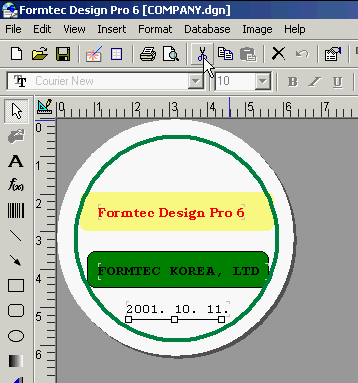
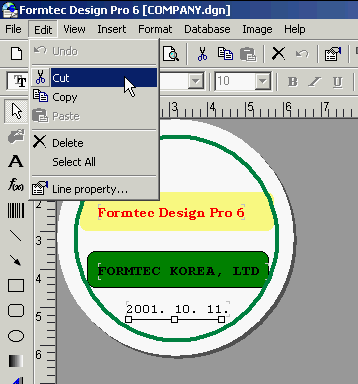
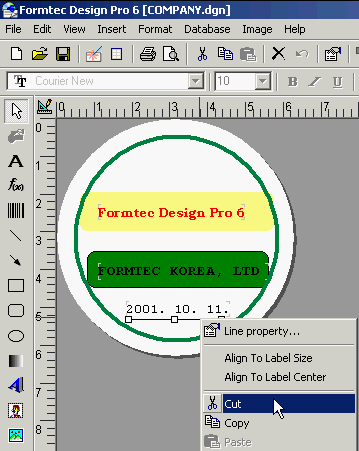
Cuts the selected object.
Cut
|
|
|
Cut |
|
Cuts the selected object. |
| 1. Click Cut in basic toolbar or Edit > Cut in Menu. You can also click the right button of your mouse on the selected object and select Cut .
|
|
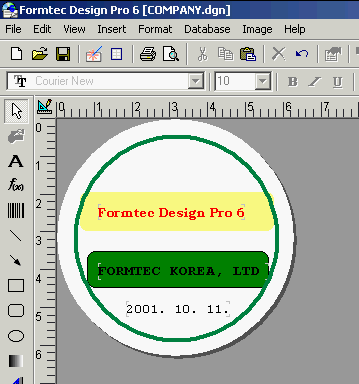
2. If you select Cut, then the selected content will be deleted.
|